Integrations
Put live honeypot telemetry where your team already works.
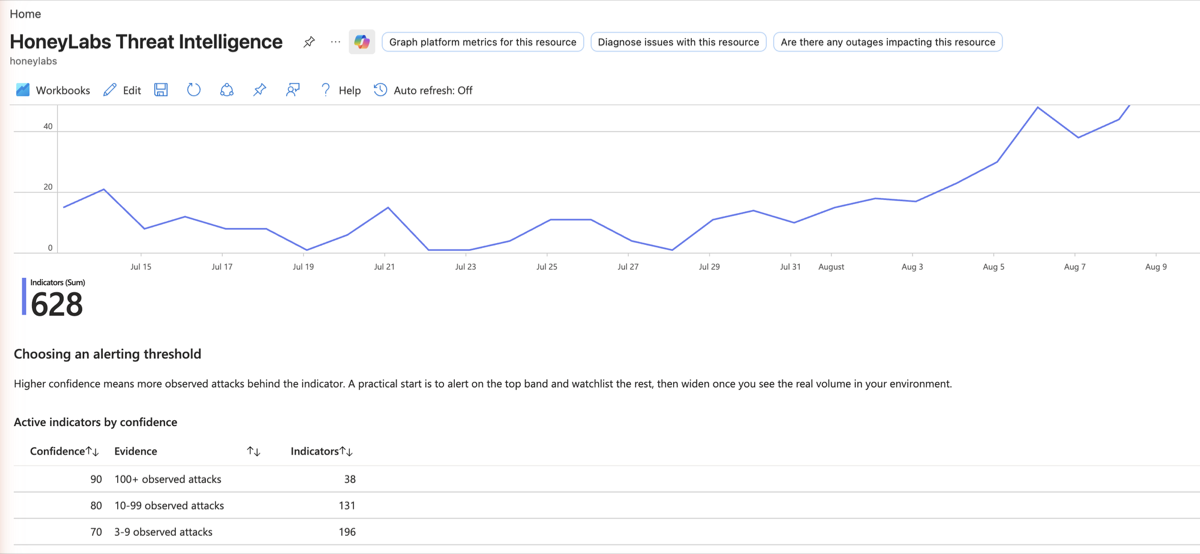
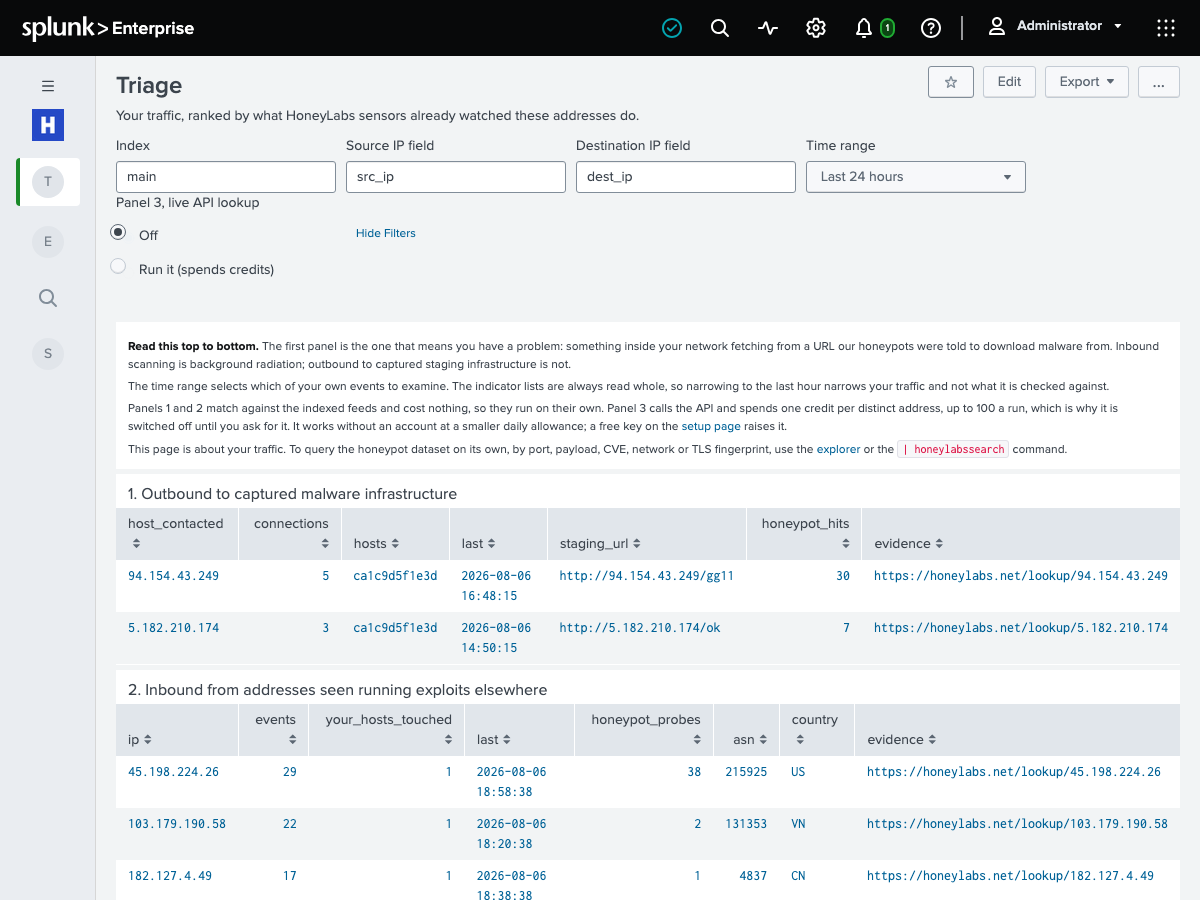
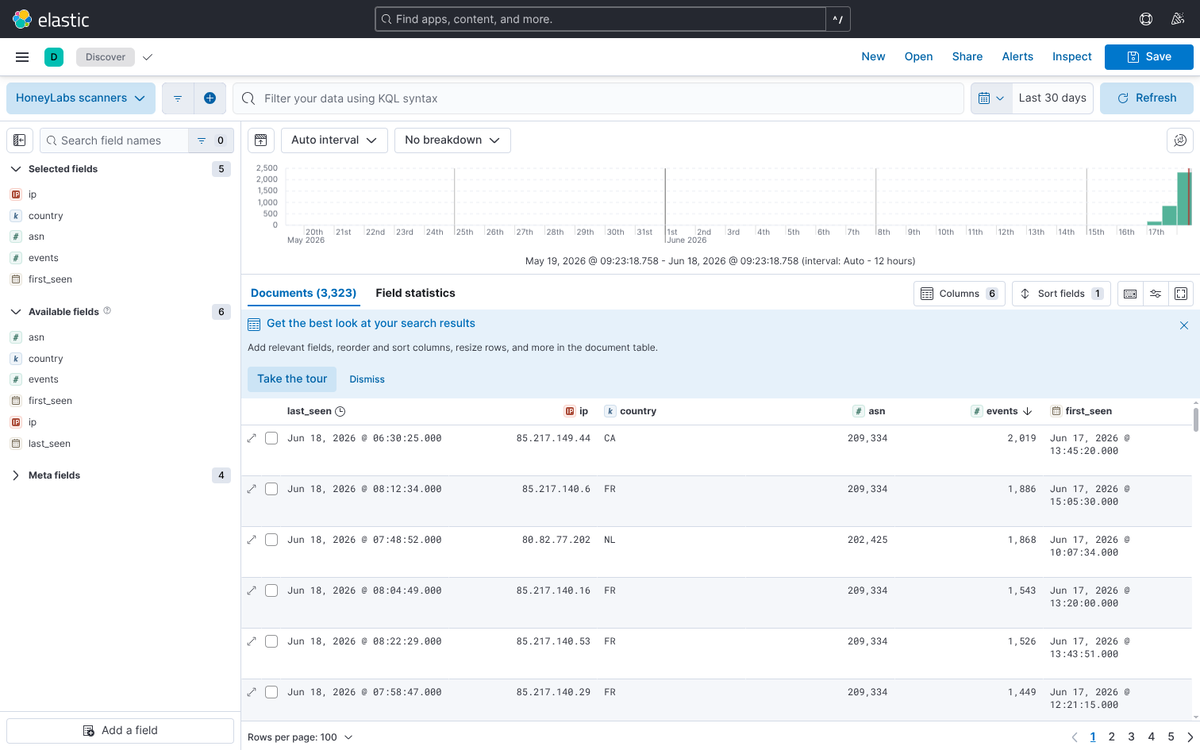
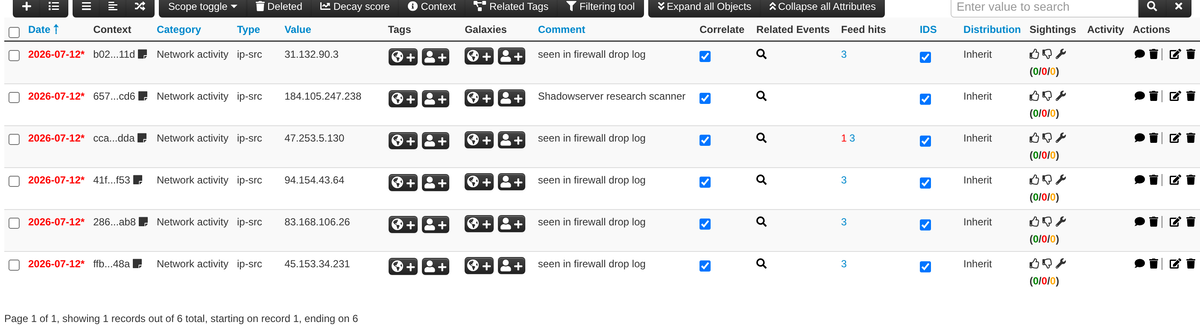
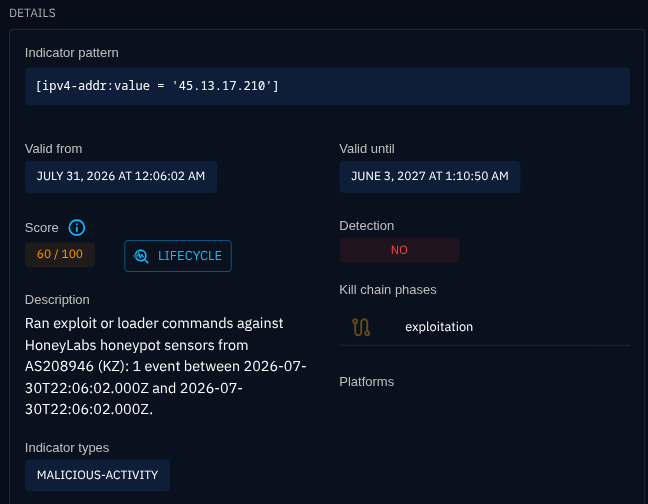
HoneyLabs sees what is sweeping the internet right now, from real sensors. You don't have to come to us to use it. One MCP server, a JSON/CSV API on every lookup, and pullable token feeds cover the AI assistants, SIEMs, SOAR runbooks, and firewalls security teams run today. Every recipe below hits a real, documented endpoint.
Why wire it in
01Cut alert noise before an analyst sees it
A large share of inbound traffic is indiscriminate internet scanning. If our sensors have already logged a source IP sweeping the internet, your SIEM or SOAR can drop or deprioritise it automatically instead of paging someone to triage it by hand.
02Enrich an observable in one hop
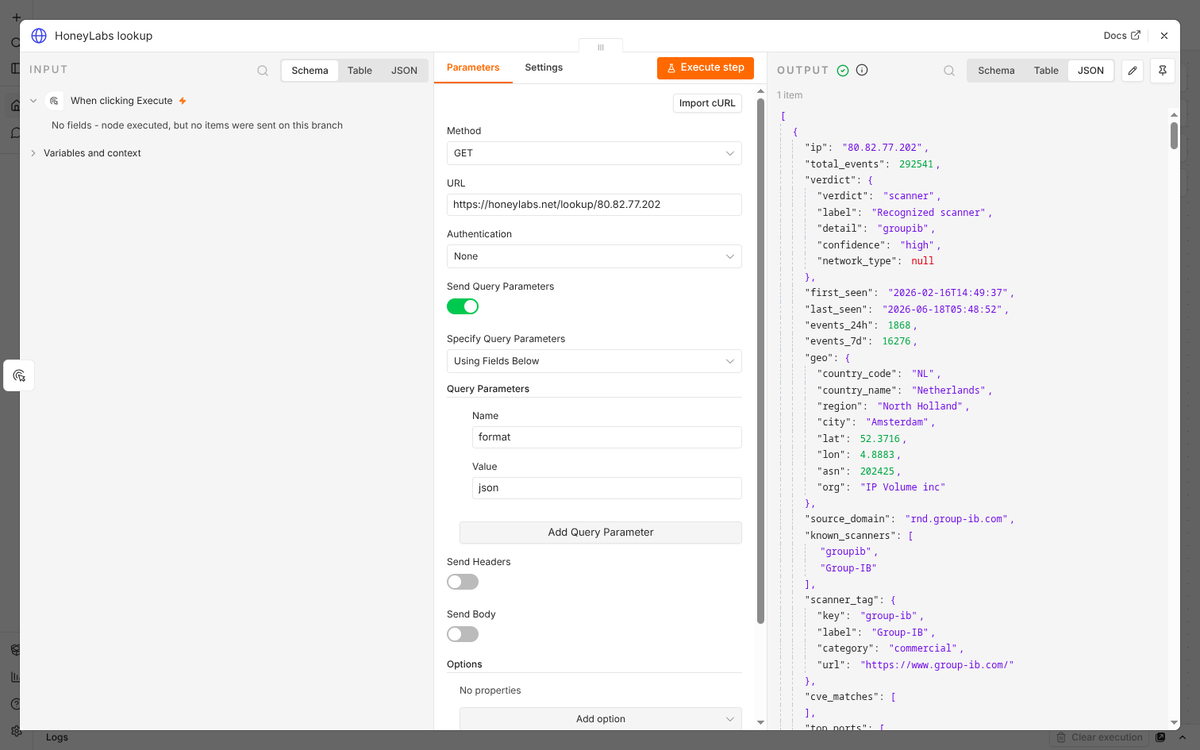
Any IP in a case gets a verdict, first and last seen, the ASN and provider, and the ports and paths it probes, from a single HTTP call. No second console to open, no per-seat intel subscription to renew.
03Block what is already attacking, at the edge
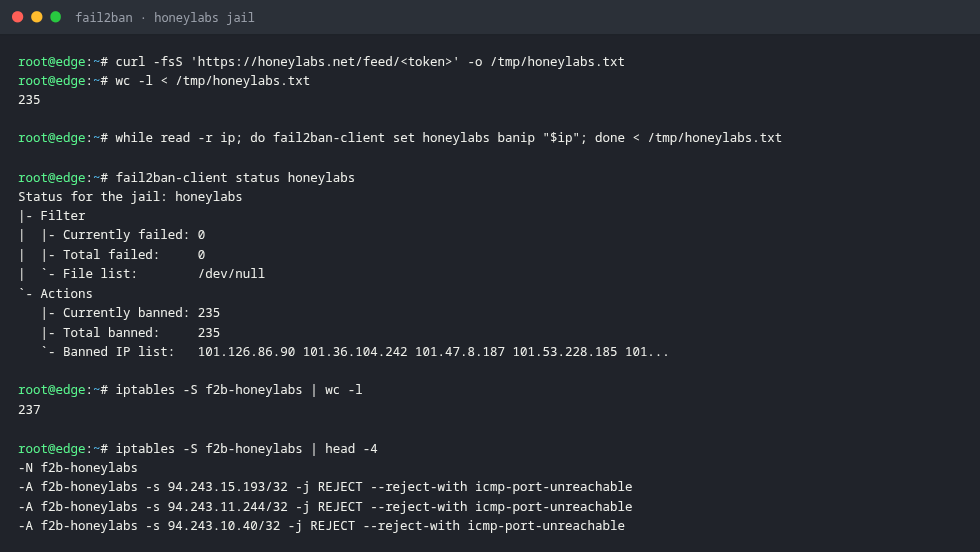
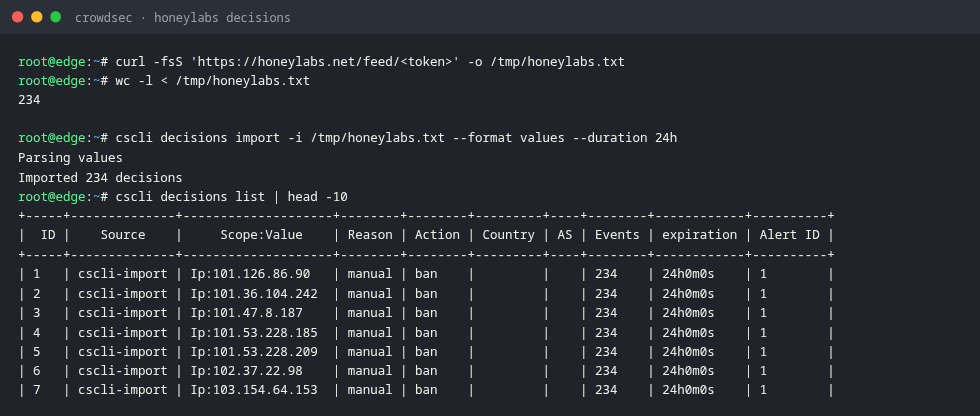
The scanner feed is a live list of IPs caught probing real sensors within the last few days. Point a firewall URL alias or an ipset cron at it and the blocklist maintains itself on a five-minute cache.
04Hunt by fingerprint across rotating IPs
Search on TLS and HTTP fingerprints (JA4, JA4H) and on CVE campaigns to find the same client across rotating IPs in your own logs, which a plain IP blocklist can never catch.
About the token feeds
The firewall and SIEM recipes pull a /feed/<token> URL. You create one from any HoneyLabs query you save: the feed then tracks that query live. Each is available as plain text (one IP per line), .csv, or .json, is anonymous and token-gated, and is edge-cached for five minutes so a tight cron never hammers the origin.
Running HoneyLabs inside a tool that isn't here? The JSON, CSV, and feed surfaces cover almost anything that speaks HTTP. Tell us what you wired up and we'll document it.